
Top 10 Excel Automation Use Cases for Accountancy Practices
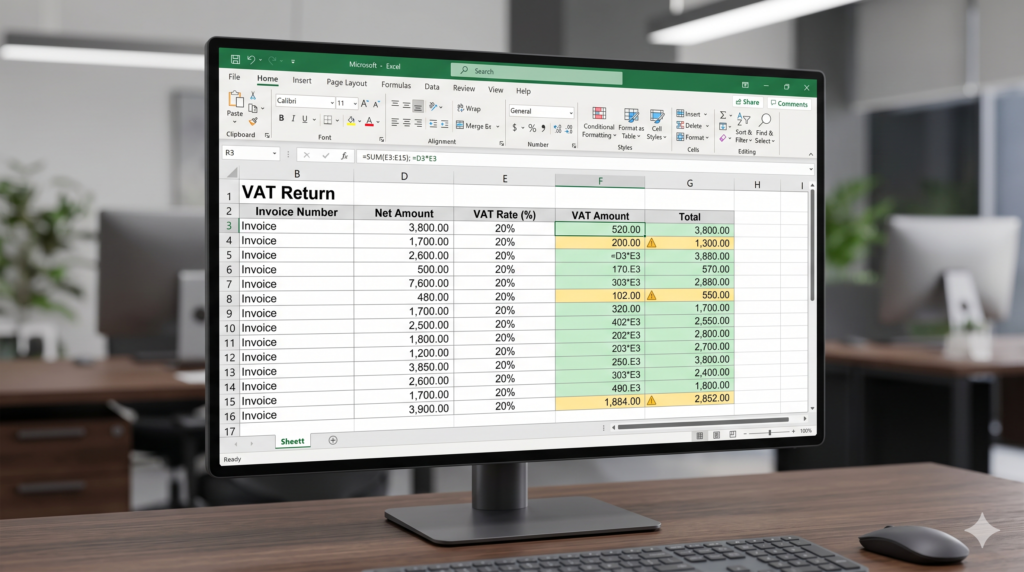
Key takeaways How to automate Excel spreadsheets for accountancy? Running an accountancy practice means dealing with enormous volumes of data every single day. Between invoices, payroll records, tax filings, and client reports, the manual workload can feel relentless. The good news? You can automate Excel spreadsheets to handle most of the repetitive work and the […]
How to Automate Excel Spreadsheets and Handle 100k+ Rows Without It Crashing – 6 tips to make it work.

Key takeaways When should you consider automation for your Excel Spreadsheet? You paste 110,000 rows into Excel and the whole thing freezes. The spinning cursor appears. You wait. You close it. You reopen it. The cycle repeats. This is one of the most common pain points for analysts and operations teams working with real-world data. […]
Excel vs Power BI Specialist: Which do you need?

Key takeaways Introduction You open Excel. You build a table, apply a few formulas, and everything looks fine until your manager asks why the sales numbers changed three days after the report was “done.” Sound familiar? Well, a Power BI specialist could’ve helped you answer that. Both Excel and Power BI are Microsoft tools. Both […]
Pivot Table Best Practices: Speed, Structure, and the Mistakes You Must Avoid
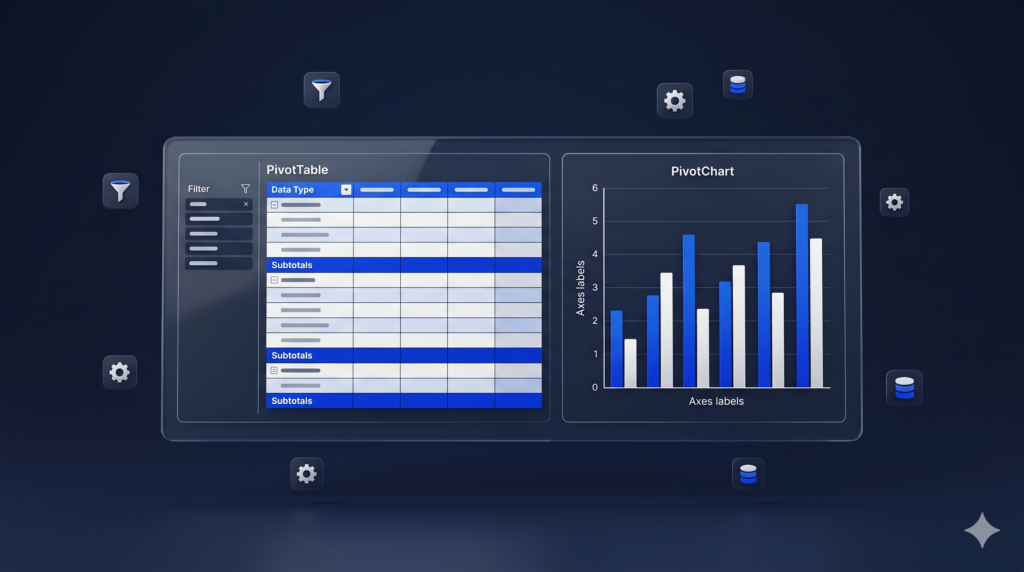
Key takeaways Understanding the feature A Pivot Table can summarize thousands of rows of data in seconds. However, without a proper foundation, it can also become a source of confusion, errors, and slow performance. Pivot Table best practices exist precisely to prevent that. This tutorial covers everything from how to prepare your data correctly to […]
How to do Conditional Formatting in Excel: 12 Powerful Use Cases That Go Beyond Just Highlighting Cells

Key takeaways Introduction Most users know conditional formatting in Excel as the feature that turns cells red when something goes wrong. However, this tool is far more powerful than that. In fact, conditional formatting in Excel can do things most people never even try, from building visual dashboards to flagging data entry errors automatically. This […]
How to Build a KPI Dashboard in Excel: Step-by-Step Guide
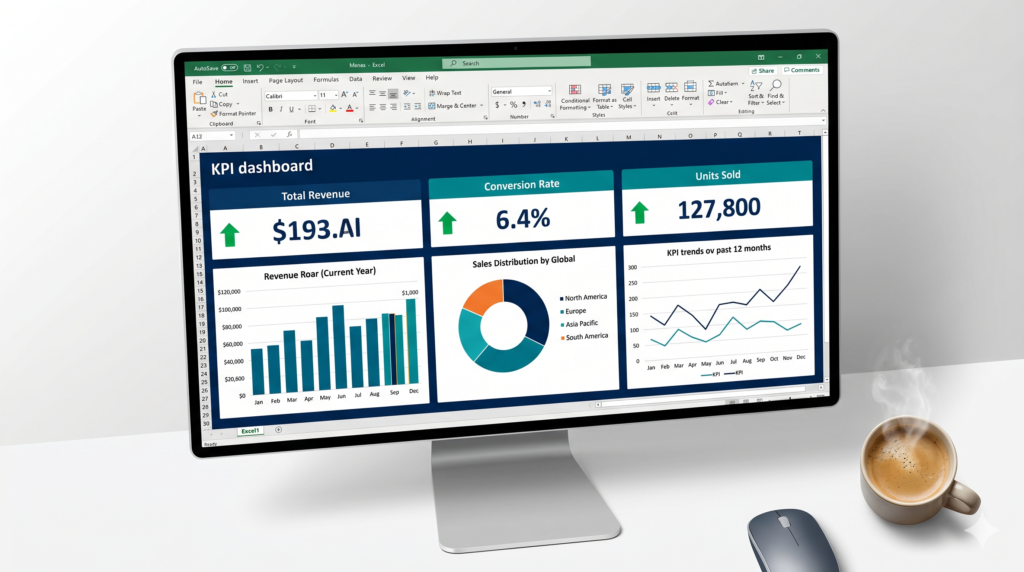
Key takeaways Introduction: How to Build an Excel Dashboard: Step-by-Step Guide Tracking business performance should not require expensive software or a data science team. A well-built KPI dashboard in Excel gives managers and business owners a clear, real-time view of what matters most, from revenue and conversion rates to operational metrics. In this step-by-step tutorial, […]
What Is Microsoft Power Apps? When Low-Code Can Power Your Business Growth
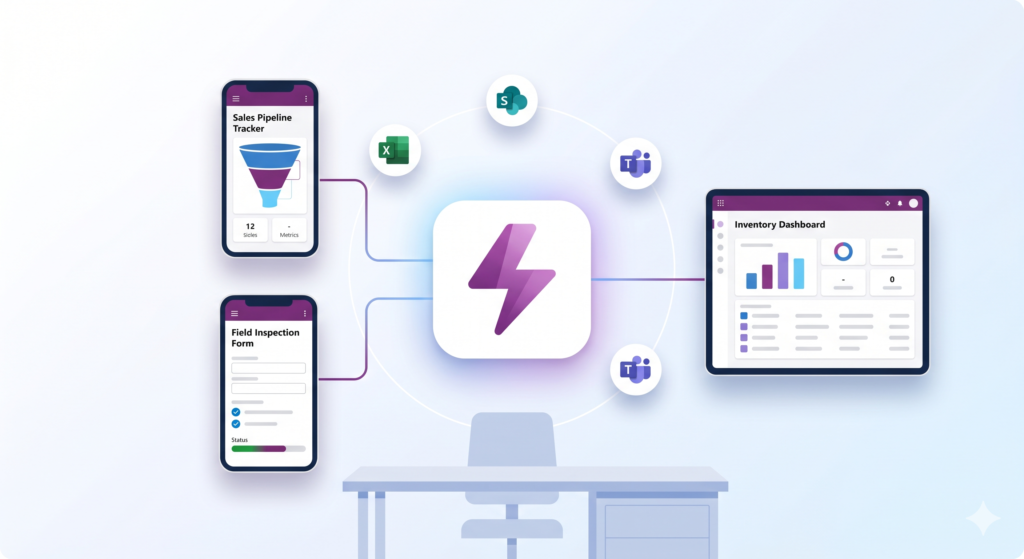
Key takeaways Understanding Microsoft Power Apps Building a custom business app used to require a full development team, months of work, and a significant budget. Today, Microsoft Power Apps changes that equation entirely. With a low-code approach, your team can create functional, connected applications without writing thousands of lines of code. However, knowing when it […]
What Is Power BI? A Plain-English Guide for Business Leaders

Key takeaways INTRODUCTION You keep hearing the term “Power BI” in meetings, in vendor proposals, and maybe in emails from your IT team. But nobody seems to explain “what is Power BI” in a way that is actually useful to someone running a business. So here is the direct answer: Power BI is a tool […]
Power Query for Beginners: What It Is and When to Use It

Key takeaways INTRODUCTION If you spend hours every week copying data from different files, cleaning up messy spreadsheets, or reformatting reports before you can actually use the information, you already need Power Query. The good news is you do not need to be a programmer to use it. Power Query is a built-in tool in […]
XLOOKUP vs VLOOKUP in Excel (and INDEX MATCH): Which One to Use?
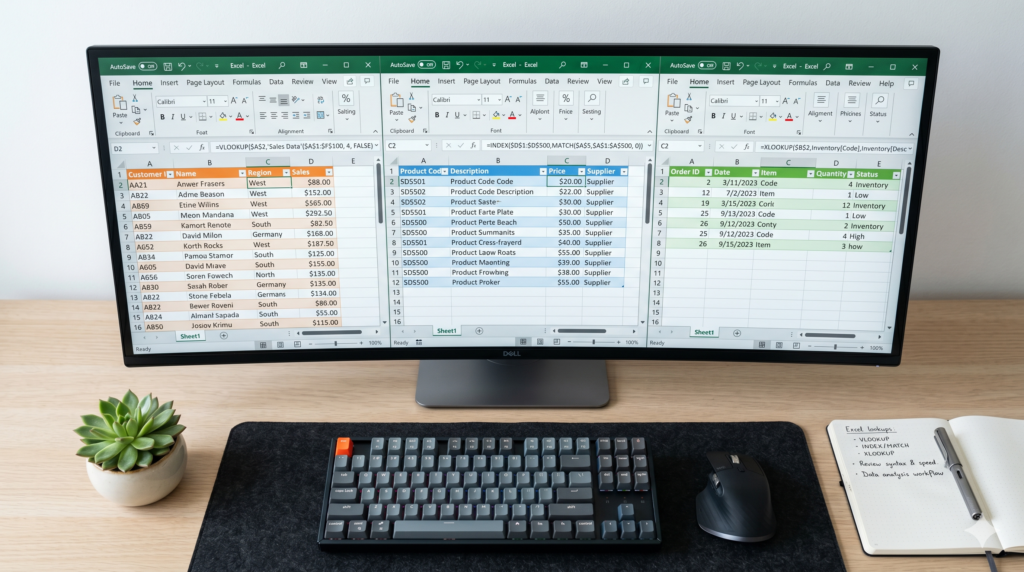
Key takeaways INTRODUCTION If you have ever tried to pull data from one spreadsheet into another, chances are you have run into VLOOKUP. For years, it was the go-to lookup function in Excel. However, Excel has evolved significantly, and today finance and data professionals have three powerful options: VLOOKUP, INDEX MATCH, and XLOOKUP. Understanding the […]