
8 Proven Fixes for Excel Spreadsheet speed & performance

Key takeaways INTRODUCTION If your Excel file takes forever to open, freezes while scrolling, or crashes when you add a formula, you are not alone. Slow workbooks are one of the most common frustrations for professionals who rely on spreadsheets every day. Fortunately, most performance issues follow predictable patterns and they can be fixed. In […]
Power BI License differences Explained: Pro vs Premium vs PPU – What You Actually Need
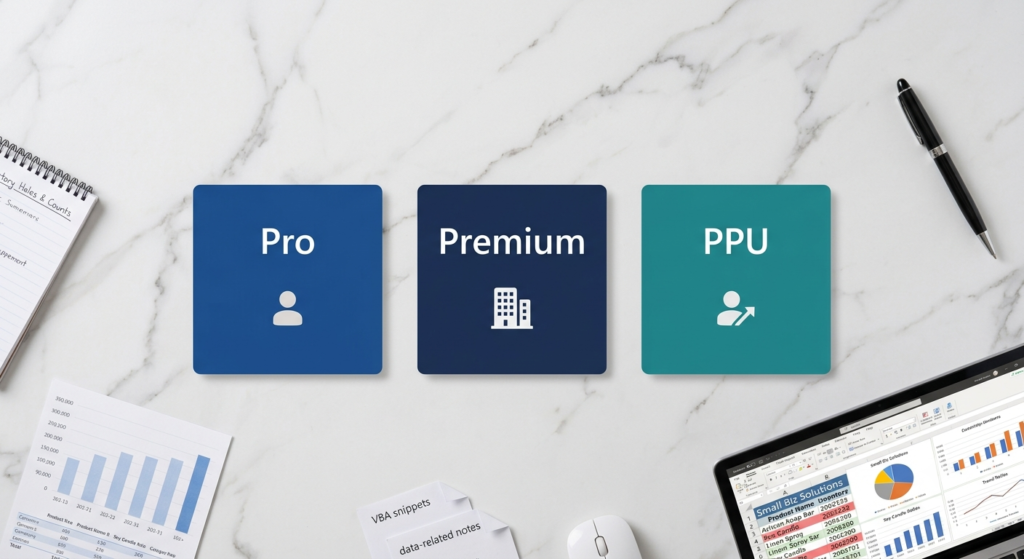
Key takeaways Sorting differences Choosing the wrong Power BI license is one of the most common mistakes companies make when starting their data analytics journey. Sometimes they overspend on a Premium capacity they do not need yet. Other times, they limit their team with a Free plan and wonder why sharing reports is so frustrating. […]
Starting to automate excel spreadsheets: The 5 VBA Macros Worth Learning

Key takeaways If the words “VBA” or “macro” have ever made you close a browser tab while looking for anything related to automate Excel spreadsheets this post is for you. A lot of people assume that in order to automate Excel spreadsheets you either need to be a super technical developer. However, that’s not true […]
Excel Inventory Management: How to create a custom Excel Spreadsheet for Inventory

Key takeaways Inventory Management on Excel: A Practical Starter Kit for Small Businesses Running out of stock without warning, over-ordering items that sit unsold, or losing track of which supplier carries what. These are challenges that hit small businesses harder than anyone. And in most cases, the root problem is the same: there is no […]
Excel Spreadsheet for HR: How to Track Leaves, Headcount and Onboarding Like a Pro
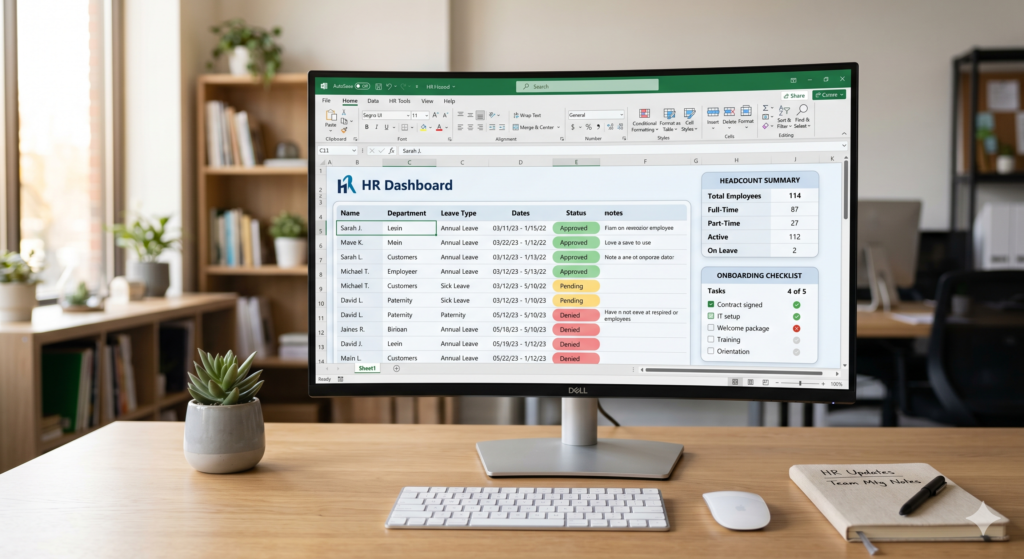
Key takeaways Ready to master HR through Excel? Managing people is one of the most important jobs in any company and also one of the most complex. HR teams deal with dozens of moving parts every single day: who is on leave, how many people are actually on the team, and whether new hires are […]
Financial Modelling Excel: Understand 7 Building Blocks of a Clean Model
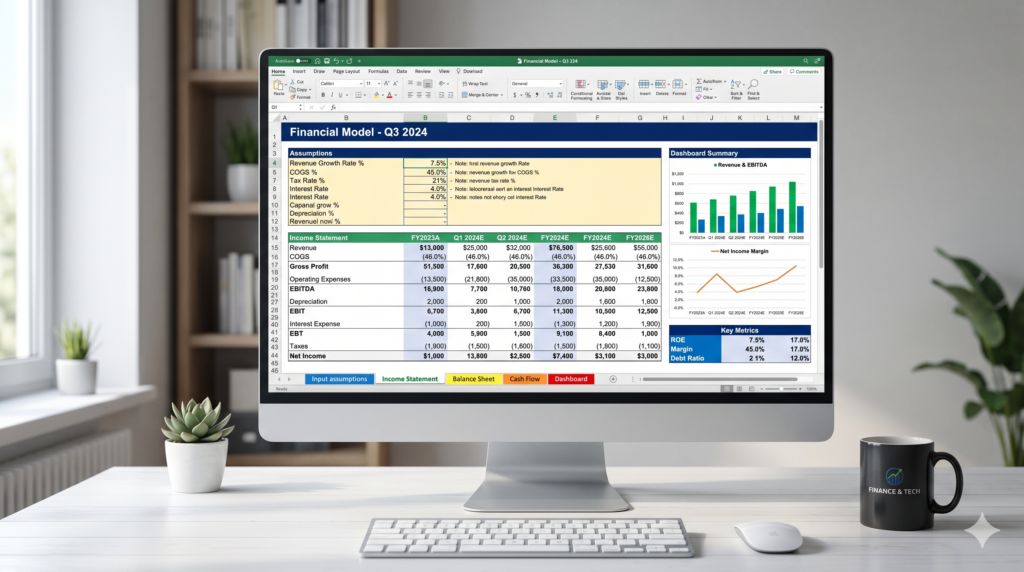
Key takeaways Understanding Financial Modelling in Excel Excel financial modelling is one of the most valuable skills in business and also one of the most commonly done wrong. Whether you are projecting revenue, running a scenario analysis, or evaluating an investment, a poorly structured model can lead to decisions built on broken logic and hidden […]
Power Apps with Canvas Apps vs Model-Driven Apps? Through a Power Apps Specialist perspective

Key takeaways INTRODUCTION If you have ever opened Microsoft Power Apps and faced the first question: “Canvas or Model-Driven?” you are not alone. Many teams spend hours going back and forth before making a choice, and some even build the wrong type, only to start over later. In this blog our Power Apps specialists will […]
How Power BI specialists fit Desktop vs Service version together

Key takeaways Learn the usage of each version When businesses first start with Power BI, one question comes up almost immediately: what exactly is the difference between Power BI Desktop and Power BI Service? Moreover, which one should you actually be using? The short answer is that both tools are essential, and Power BI specialists […]
Excel Macros vs Power Automate: When and Which Automation Tool Should You Use?
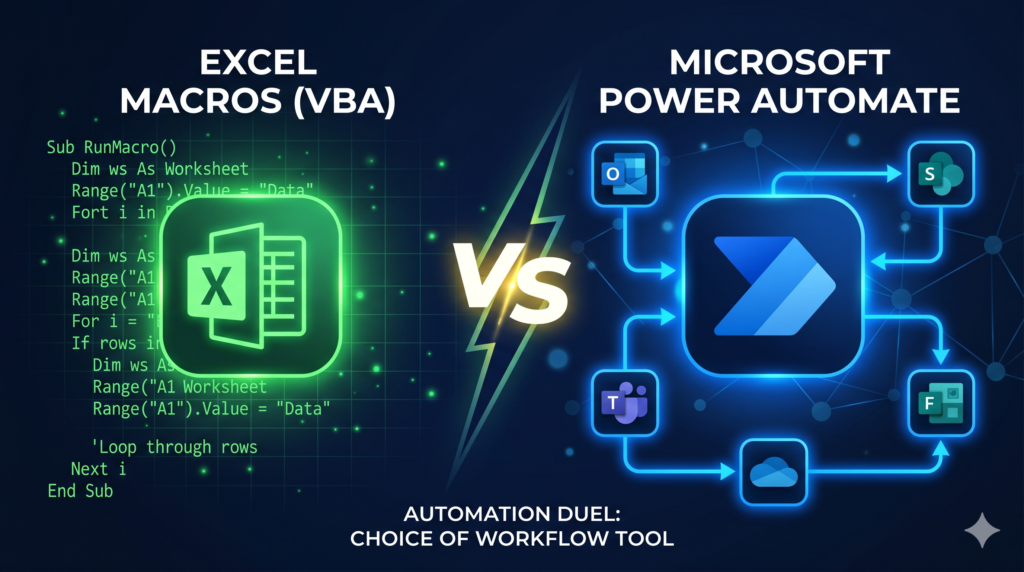
Key takeaways Choosing the best tool to Automate Excel Spreadsheets If you have ever sat in front of a screen clicking the same buttons over and over, you already know the frustration that automation is built to solve. However, choosing the wrong tool can cost you time, money, and headaches. So, should you automate Excel […]
How to Build a Sales Pipeline Tracker in Excel: A Step-by-Step
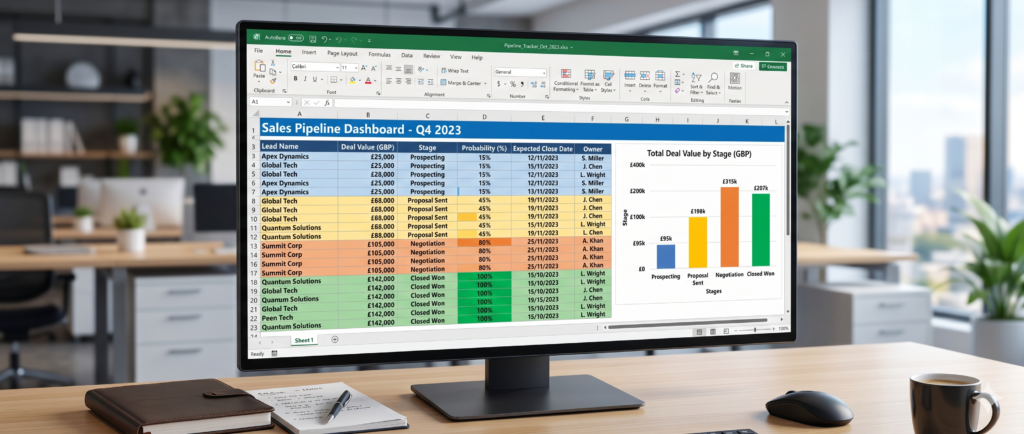
Key takeaways Introduction: How to build a custom excel spreadsheet (Sales-based) A well-managed sales pipeline is the backbone of any growing business. Without a clear view of where every deal stands, it is easy to lose track of follow-ups, miss close dates, or misread your revenue forecast. The solution does not have to be expensive. […]