Key takeaways
- Choose a Power BI licence by mapping who needs to publish and who only needs to view reports; choosing a tier on price alone is the most common mistake.
- Power BI Pro is the standard starting point for small to mid-sized teams, but every viewer of a shared report also needs Pro, and datasets are limited to 1 GB.
- Premium Per User unlocks Premium features such as datasets up to 100 GB, paginated reports and deployment pipelines, but everyone in the sharing chain needs a PPU licence.
- Premium Capacity licenses computing power rather than users, so anyone in the organisation can view hosted reports with a Free licence; it typically pays off around 500 or more viewers.
Sorting differences
Choosing the wrong Power BI license is one of the most common mistakes companies make when starting their data analytics journey. Sometimes they overspend on a Premium capacity they do not need yet. Other times, they limit their team with a Free plan and wonder why sharing reports is so frustrating. If your organization is trying to figure this out, a Power BI specialist will tell you the answer is almost always: it depends on how many people need to see the data, and how intensely.
This tutorial breaks down the three main paid options: Pro, Premium Per User (PPU), and Premium Capacity, so you can make a clear, informed decision without jargon.
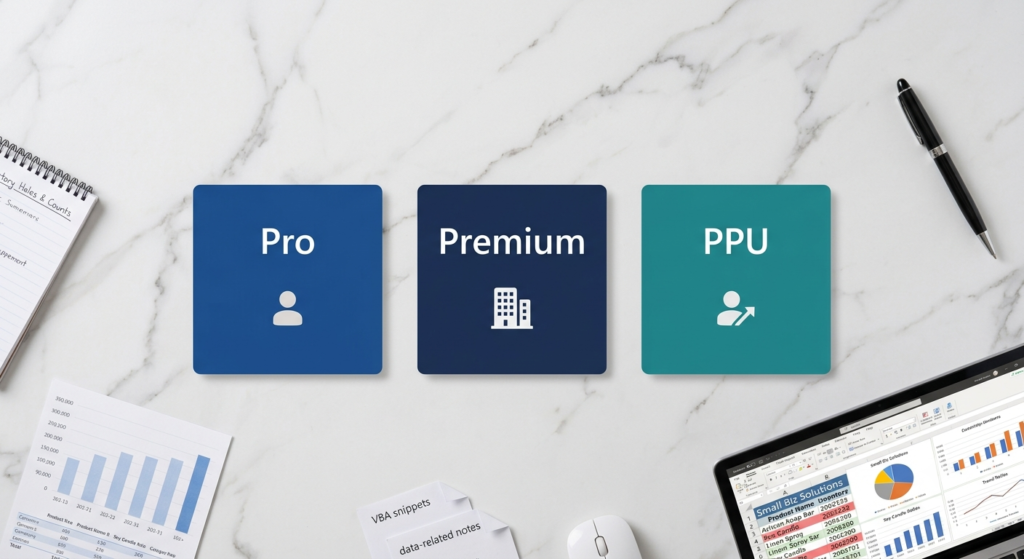
Power BI Pro vs Premium Per User vs Premium Capacity at a glance
Here is how the three paid Power BI options compare on licensing model, sharing and typical fit.
| Criterion | Pro | Premium Per User (PPU) | Premium Capacity |
|---|---|---|---|
| Licensing model | Per user | Per user | Block of computing capacity, measured in vCores |
| Who can view shared reports | Only users with a Pro licence | Only users with a PPU licence; no viewer-only access | Anyone in the organisation, even with a Free licence |
| Key features | Publish, share and collaborate; native Microsoft 365 integration | Paginated reports, AI features, more frequent refresh, deployment pipelines | Real-time streaming datasets, XMLA endpoint access, full paginated reporting |
| Best for | Small to mid-sized teams, under 100 users | Power users and analytics teams in smaller groups | Large audiences; breakeven around 500 or more regular viewers |
Starting With the Basics: What Does a Power BI License Actually Control?
Before comparing plans, it helps to understand what a license governs. In Power BI, your license level determines three things: who can publish reports, who can view them, and how much computing power is available for processing data.
For example, with a Free license you can build reports – but you cannot share them with anyone outside your own workspace. Consequently, most businesses hit a wall within the first week of using Power BI and realize they need a paid plan. That is the intended design. Microsoft built the licensing tiers around sharing and collaboration, not just report creation.
Power BI Pro – The Standard Starting Point
Power BI Pro is the most common entry point for teams. At £10.80 per user per month on an annual plan (Microsoft’s UK list price in September 2026; check Microsoft’s pricing page for current rates), it gives every licensed user the ability to publish, share, and collaborate on reports.
Furthermore, Pro is a per-user license. This means every person who needs to view a shared report must also have a Pro license. If your team has fewer than 100 people and everyone needs access to live dashboards, Pro is usually the right call. It integrates natively with Microsoft 365, which makes deployment simple for organizations already in the Microsoft ecosystem.
However, Pro has a data model size limit of 1 GB per dataset. For smaller teams working with standard business data like sales, HR, operations that limit is rarely a problem. On the other hand, if you are working with millions of rows of transactional data refreshing multiple times per day, you will likely outgrow it.
Premium Per User (PPU) – The Middle-Ground Option
PPU was introduced specifically to bridge the gap between Pro and the full Premium Capacity license. At £18.50 per user per month on an annual plan, it unlocks Premium features without the large upfront commitment of a Premium Capacity node.
With PPU, each user gets access to larger dataset sizes (up to 100 GB), more frequent data refresh cycles, paginated reports, and advanced AI features built into Power BI. Additionally, deployment pipelines which allow teams to manage development, test, and production environments then become available.
The important catch: everyone in your report-sharing chain must have a PPU license. There is no “viewer-only” PPU access. Therefore, PPU works best for power users and analytics teams that need enterprise-grade features but operate in smaller groups.

Power BI Premium Capacity – Built for Scale
Premium Capacity is a different model altogether. Instead of licensing per user, you purchase a block of computing capacity (measured in vCores) and anyone in your organization can view reports hosted on that capacity, even with a Free license. Microsoft now sells new capacity as Microsoft Fabric capacity (F SKUs), which replaces the original Power BI Premium P SKUs for new purchases.
This makes Premium the most cost-effective option when your audience is large. For instance, if 500 employees need to view dashboards but only 20 people are actually building them, paying for 500 Pro licenses is far more expensive than one Premium node. The breakeven point typically lands somewhere around 500 or more regular viewers, depending on the capacity tier chosen.
Premium capacity also supports much larger semantic models (the exact limit depends on the capacity size) and enables the most advanced features: real-time streaming datasets, XMLA endpoint access for external tools, and full paginated reporting capabilities.
A Simple Way to Choose Between the Three
Here is a practical decision guide:
- Choose Pro if: You have a small to mid-sized team (under 100 users), everyone needs to share and collaborate, and your datasets are under 1 GB.
- Choose PPU if: You need enterprise features like paginated reports or AI insights, but your audience is relatively small and everyone on the team is an active Power BI user.
- Choose Premium if: You have a large audience of viewers, need maximum performance, or want to eliminate the per-user licensing overhead entirely.
According to Microsoft’s official Power BI licensing documentation, the most common mistake organizations make is choosing a license tier based solely on price without mapping it to their actual sharing and consumption patterns first.
When Expert Guidance Saves You More Than It Costs
Reading through licensing tiers is useful. However, applying that knowledge to your specific infrastructure, team size, data volumes, and growth plans is where most companies get stuck. A wrong choice today can mean paying for unused capacity for a full contract year, or worse, rebuilding your entire reporting environment six months later.
Working with a Power BI specialist from the start means your architecture is designed correctly for where you are now and where you are going. That includes choosing the right license, modeling your data correctly, and ensuring your reports actually load fast enough for daily use across your organization.
Can you make the call?
Power BI licensing does not need to be confusing. Pro is the reliable starting point for collaborative teams; PPU unlocks advanced features for power users at a reasonable step-up price & Premium is the enterprise choice when scale and performance are the priority.
The real key is matching the right plan to your actual usage and that is exactly where professional expertise makes a clear difference. Sapphire Business Technology has guided more than 500 satisfied clients through Power BI implementations, from choosing the right license to contracting a Power BI specialist who builds dashboards that drive real business decisions. When your data needs to work harder, their team is ready